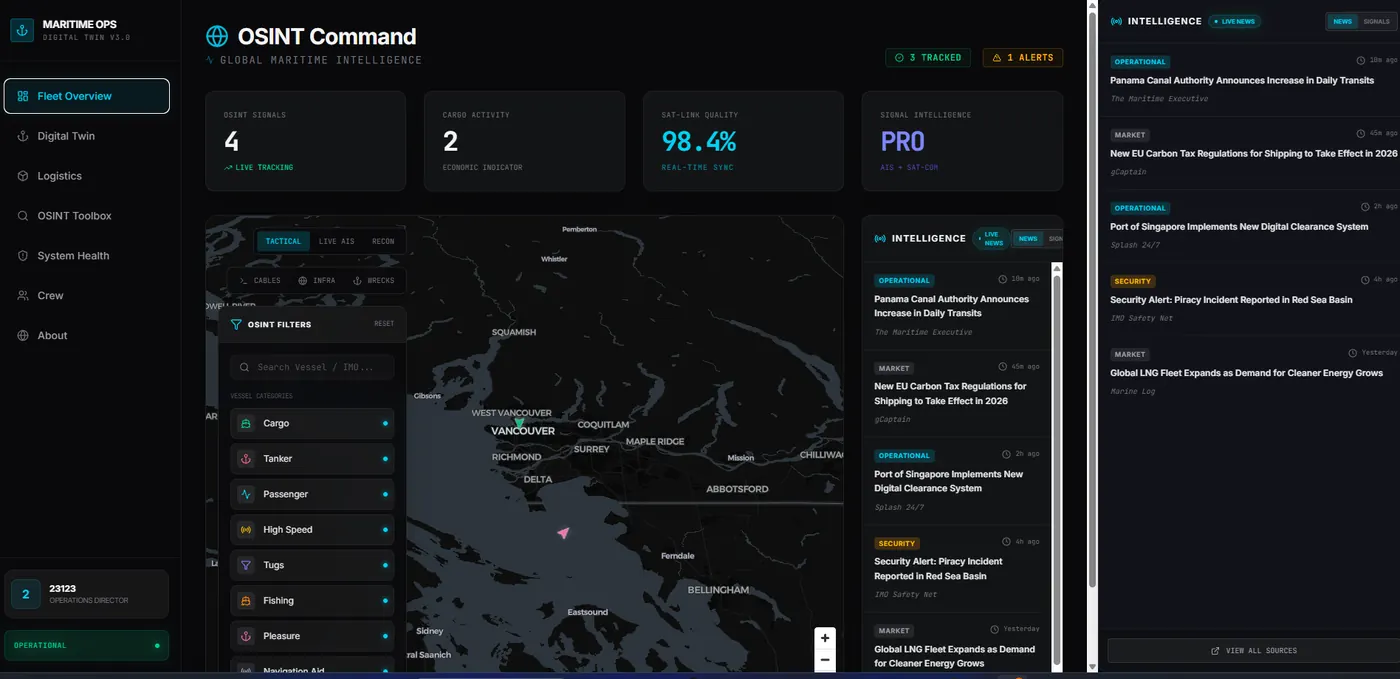
The spreadsheet is not the problem — it is the evidence
A spreadsheet running an important process is not a failure of discipline. It is the business having prototyped its own software for free, in the open, without asking anyone for budget. The columns people added are a requirements document. The tab everyone dreads is the bug report.
So the question is never “is this embarrassing”. It is whether the thing has become too shared, too fragile or too slow to keep the company running on. Plenty of spreadsheets have not, and rebuilding those is money set on fire.
Keep the spreadsheet while it is still flexible
If one person owns it, the volume is small, changes are easy, and a mistake is annoying rather than expensive, leave it alone. Spreadsheets are unbeatable at exactly the thing custom software is worst at: changing shape on a Tuesday because someone had an idea.
Building software to replace a working spreadsheet purely because it looks unprofessional is the most reliable way to end up with something less flexible, more expensive, and quietly ignored.
The five signals that it is time
These are the ones that actually predict trouble, in rough order of severity.
- Two people edit it. The moment concurrency is involved, you have version conflicts, overwritten rows and an argument about who broke it.
- The same fact lives in two places. The spreadsheet and the accounting system both hold the customer address, and they have started to disagree.
- Someone screenshots it to report status. That is a dashboard request in disguise.
- A mistake in it has cost money. A missed renewal, a double booking, an invoice never raised. Now the fragility has a price.
- Nobody will touch the formulas. When the person who built it has left and everyone works around the broken column, the process is no longer under control.
Try the middle option before the custom one
There is a large gap between a spreadsheet and a bespoke system, and it is worth walking through it. Airtable, Notion, a Google Sheets front end, or the workflow features inside a tool you already pay for will genuinely solve a good proportion of these problems for the price of a couple of subscriptions.
They run out in predictable places: real permissions, anything customer-facing, logic more complicated than a formula, volumes that make them sluggish, and integration with systems that have no connector. When you hit those walls you will have learned precisely what to specify — which makes the custom build cheaper and much more likely to fit.
Start with one view, not the whole process
The instinct is to replace everything the spreadsheet does. Resist it. Pick the single view that would change a meeting: open jobs, overdue invoices, assets needing attention, this week’s bookings. Build that against real data and put it in front of people.
Two things follow. You find out within a fortnight whether the data is actually clean enough to build on — which is the risk that sinks these projects — and the team gets something useful while the rest is still being designed. Every subsequent screen is then specified by people who have used the first one, which is a much better position than specifying from a spreadsheet.
Design for the busy Tuesday
Internal tools are not judged on how they look in the demo. They are judged on whether someone reaches for them when they are behind, on the phone, with two things going wrong.
That means the daily action should take fewer clicks than the spreadsheet did, the page should load fast enough that nobody sighs, and the default view should already be the one the person needs. Search should be forgiving. Nothing should require training to use twice a week.
The most common reason an internal tool fails is not a missing feature. It is that entering a record takes eight clicks where a row took one, so people quietly keep the spreadsheet open alongside it — and now you have two sources of truth and a worse problem than you started with.
Automate the copying, keep the judgement
Once the data lives somewhere real, the automations become obvious and cheap: the form that creates the record, the alert when something is overdue, the weekly summary that used to be assembled by hand, the draft invoice from a completed job.
Keep the line in the right place. Automate the moving of information and the chasing. Leave the decisions with people. There is more on that split in simple automation for local businesses, and on where AI genuinely fits in AI workflows for small businesses.
Common questions
When should we stop using a spreadsheet?
When more than one person depends on it, when the same information is entered twice, when a mistake in it costs real money, or when someone has started sending screenshots of it to explain status. A spreadsheet that one person owns and can rebuild in an afternoon is fine.
Should we try Airtable or Notion first?
Usually yes. They are cheap, quick, and if they fit, you have solved the problem for a fraction of the cost. They stop fitting when you need real permissions, a customer-facing view, non-trivial logic, or volumes that make them slow — and by then you will know exactly what to specify.
How much does a custom internal tool cost?
A first operational view against real data typically starts from £10,000 as a rapid MVP. A proof of concept to prove the approach starts from £5,000. The cost driver is how many other systems it has to read from, not how many screens it has.
Will we lose the history in our spreadsheet?
You should not. Import it as-is, keep the original as a read-only archive, and expect the migration to surface inconsistencies the spreadsheet was tolerating — duplicate customers, three spellings of one supplier, dates in two formats. Cleaning that up is part of the work, not a surprise.
What if people just keep using the spreadsheet?
That is the most common failure, and it means the tool was slower than the habit it replaced. The fix is to make the new thing faster for the daily task, not to mandate it. If entering a job takes eight clicks where the spreadsheet took one row, people are right to ignore it.
Related guides
- Website, app, dashboard or SaaS? — choosing the right category before you build
- Simple automation for local businesses — the automations worth adding once the data is real
- How to scope a prototype — keeping the first version small enough to finish
- AI infrastructure management — an operational dashboard in production