Operational context is hard to query
Teams may know the answer exists somewhere, but it is buried across maps, documents, camera feeds, reports, spreadsheets, inspections, and messages.
This concept explores how AI can become genuinely useful inside operational software: not as a gimmick, but as a way to ask questions, summarise context, automate reporting, and help teams understand what is happening across a complex physical environment.
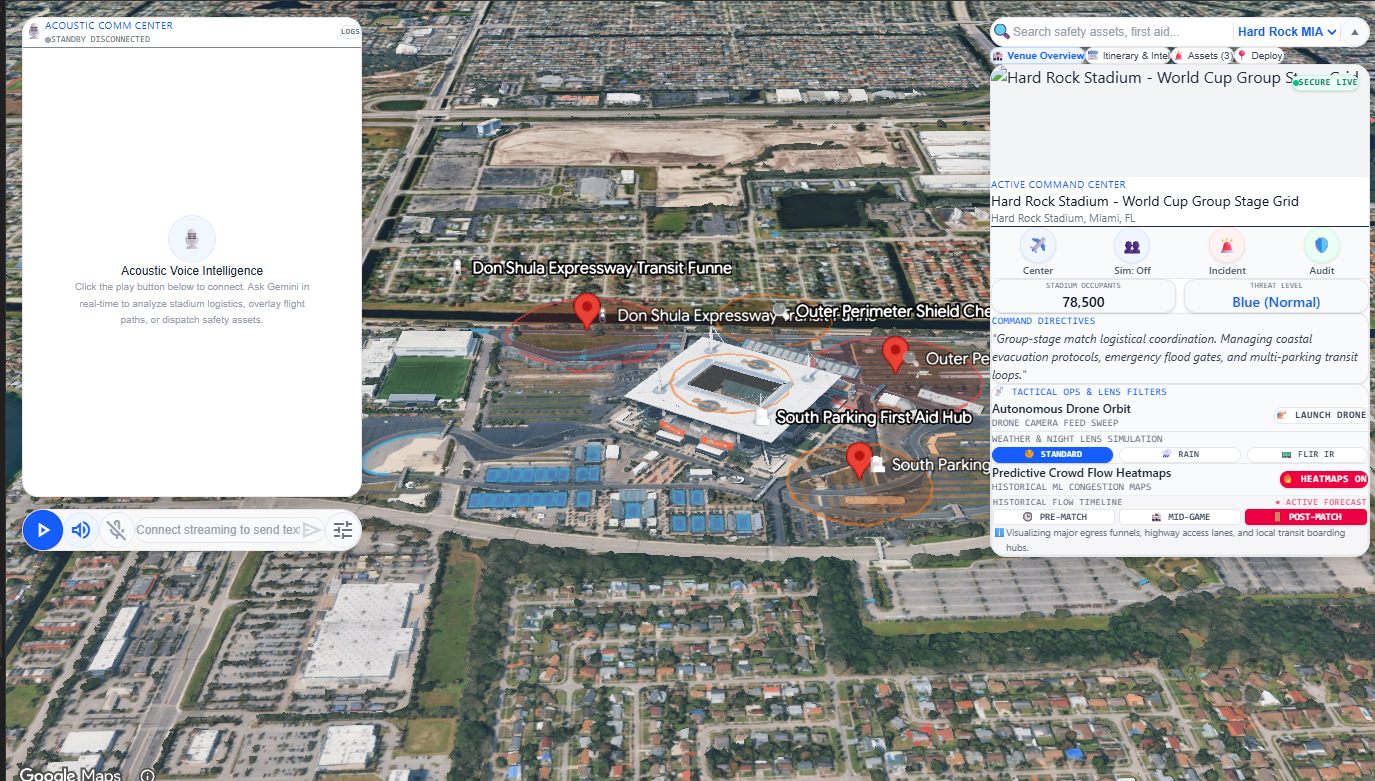
The interface does not ask users to trust an isolated chatbot. Questions, recommendations, and summaries remain connected to maps, assets, incidents, routes, inspections, and visible site context.
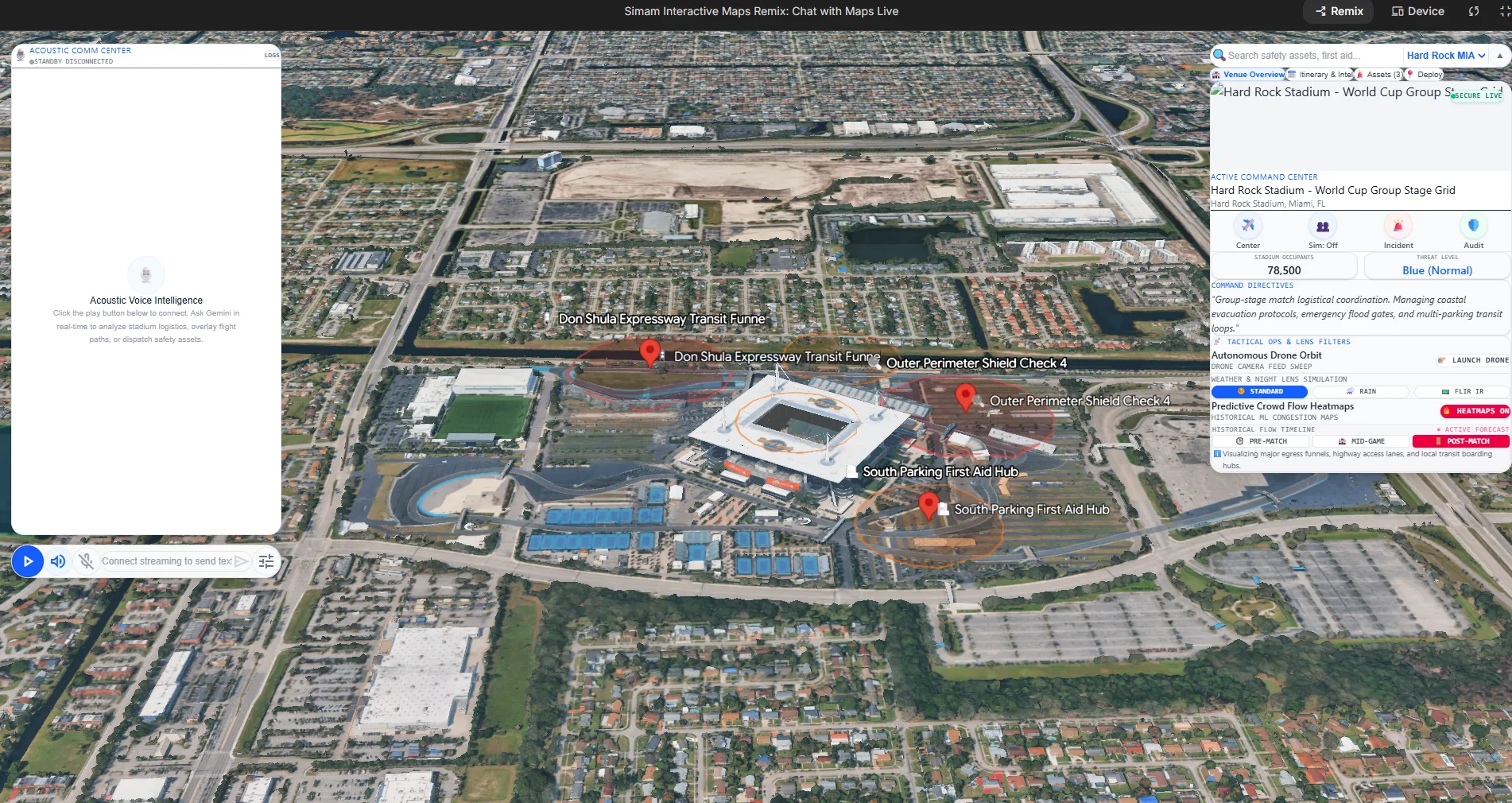
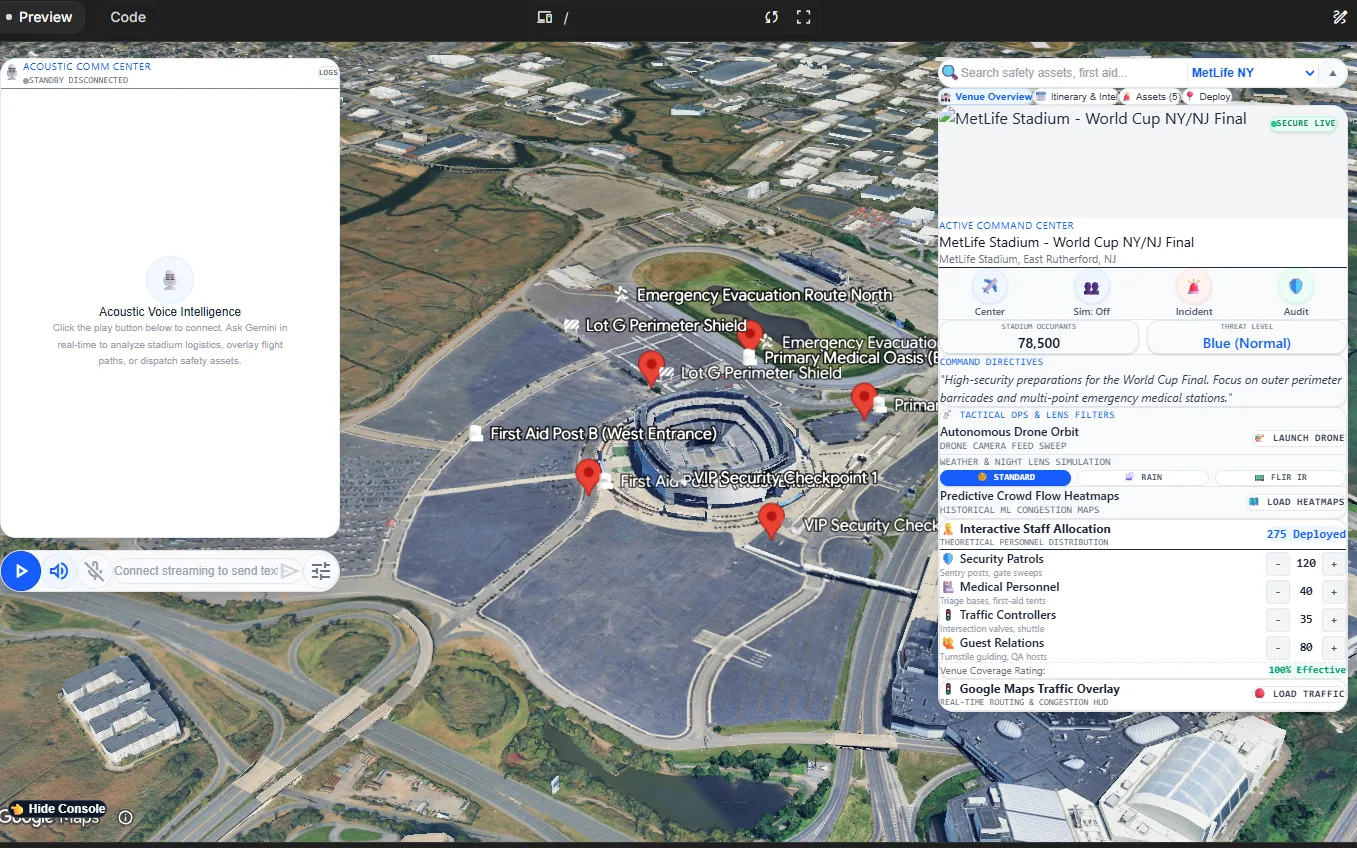
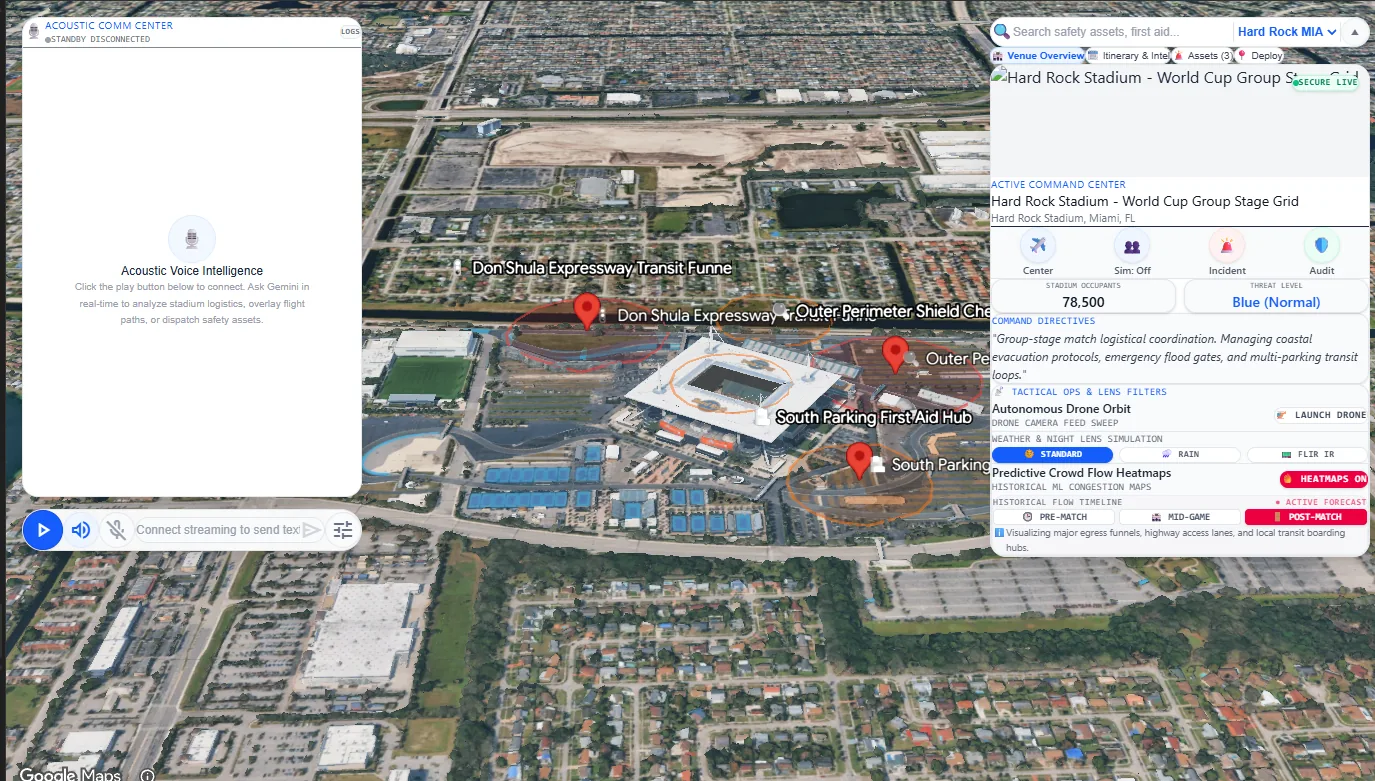
What this proves: an AI feature is more credible when buyers can see the data boundary, the human decision it supports, and the action that follows the answer.
Many teams feel pressure to adopt AI, but the useful question is simpler: where does AI reduce friction, shorten decision cycles, and help people act with more confidence?
Teams may know the answer exists somewhere, but it is buried across maps, documents, camera feeds, reports, spreadsheets, inspections, and messages.
The concept places AI beside the map and command tools so users can ask practical questions about routes, incidents, risks, reports, and asset status.
The interface shows how AI can support real tasks: report generation, Q&A, incident summaries, risk prompts, route review, drone workflows, and tactical filters.
AI infrastructure tools should not start with a giant platform build. They should start with a narrow operational question, a clear data boundary, and a prototype that proves whether AI actually helps the user make a better decision.
A prototype forces the AI use case to become specific: what question is being asked, what data is available, what answer is useful, and what human decision follows.
For operational buyers, trust matters. The AI layer should connect back to visible assets, map layers, incidents, documents, or reports rather than feeling like a black box.
The goal is not chat for its own sake. The goal is faster triage, better summaries, fewer manual reports, clearer routing, and more confident escalation.
A focused AI sprint starts at £20,000. Larger MVPs with data ingestion, authentication, reporting, and map/3D workflows typically sit in a higher product build band.
The concept needed to show AI inside an interface that a venue manager, site operations team, city team, or event control group could understand immediately.
The map gives every user a common visual reference for assets, incidents, routes, areas, and operational zones.
The side panel brings together event or site status, tactical options, safety signals, crowd or logistics context, and operational controls.
The AI assistant sits near the operational surface so users can request summaries, inspections, reports, or explanations without leaving the workflow.
The layout can start with sample data and grow into integrations with GIS, documents, ticketing, IoT, drone feeds, cameras, and business systems.
AI cost depends less on the prompt and more on the surrounding product: data quality, integrations, security, interface design, human review, logging, and whether outputs need to be auditable.
Best for proving one high-value AI use case such as report drafting, operations Q&A, triage summaries, or document search.
Best for combining AI assistance with a web app, dashboard, map, auth, sample data, and a deployable pilot.
Best when the system needs secure data pipelines, role permissions, monitoring, human review, auditability, and ongoing product support.
Simam Digital helps teams move from vague AI interest to a visible workflow: what the user sees, what the AI does, what data it uses, and how the result supports a decision.
Translate a vague idea into a clear product direction, user journey, feature set, and commercial demo story.
Design dashboard, map, spatial, simulation, or 3D product flows that non-technical stakeholders can understand quickly.
Create clickable or working prototypes with modern web, AI workflow, real-time 3D, API, and deployment foundations.
Package the work so it can support client workshops, funding conversations, sales demos, internal buy-in, or pilot proposals.
A concise record of what the project was intended to prove, the evidence available today, and the next responsible investment step.
Start with an AI Opportunity Sprint or MVP Sprint. We can define a practical AI use case, design the workflow, and build the first version without overcommitting to a full platform.