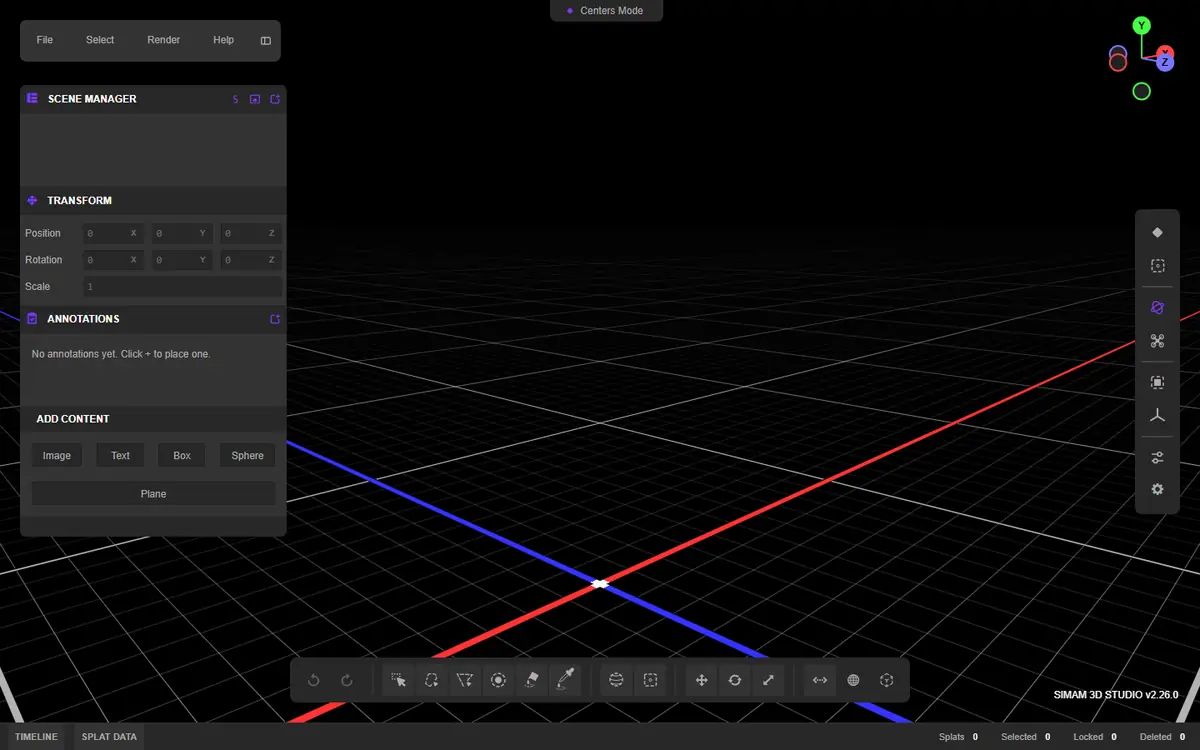
A splat is the raw material, not the finished product.
Gaussian splatting can reconstruct a place from overlapping photographs or video frames and render it with a convincing sense of light, texture, and depth. The result can feel more immediate than a conventional mesh, especially for foliage, reflections, soft materials, and visually complex environments.
But a raw capture is not automatically a virtual tour. Commercial value appears when the scene is edited, compressed, framed, navigable, branded, and connected to information or action.
Capture creates the place. Product design creates the reason to visit it.
The complete workflow.
1. Define the viewing job
Decide whether the viewer is for property marketing, construction review, remote familiarisation, heritage interpretation, product presentation, or an agency campaign. That choice determines capture coverage, image quality, navigation, labels, and calls to action.
2. Plan and capture overlapping imagery
Walk a steady route with consistent exposure and generous overlap. Avoid rapid motion, moving crowds, changing light, mirrors, and featureless surfaces where possible. Capture transitions, corners, entrances, and important objects from several angles.
3. Reconstruct and train
Process images through a mobile service, desktop trainer, cloud GPU, or a custom Python and RunPod pipeline. Structure-from-Motion estimates camera positions; training then optimises the Gaussian scene. The quality ceiling is set by the source imagery.
4. Inspect and clean
Remove floaters, unwanted areas, duplicate artefacts, and weak geometry. Crop the scene, tune colour and exposure, define the starting camera, and check close-up views as well as the hero angle.
5. Optimise for delivery
Large scenes need compression, level-of-detail strategy, sensible camera limits, and device testing. The best desktop result is irrelevant if a client opens it on a phone and waits indefinitely.
6. Build the experience
Add guided cameras, annotations, information panels, measurements where data supports them, media, lead capture, analytics, access control, or comparison states. Publish through a platform or integrate the splat into a custom PlayCanvas/WebGL/WebGPU application.
What the current tooling enables.
PlayCanvas documents a pipeline from capture through viewing, SuperSplat editing, publishing, and application integration. SuperSplat can clean, crop, colour-adjust, animate, annotate, add collision, and publish scenes for modern browsers. Its current tooling also supports local media rendering, while the wider PlayCanvas stack is moving Gaussian workloads into WebGPU.
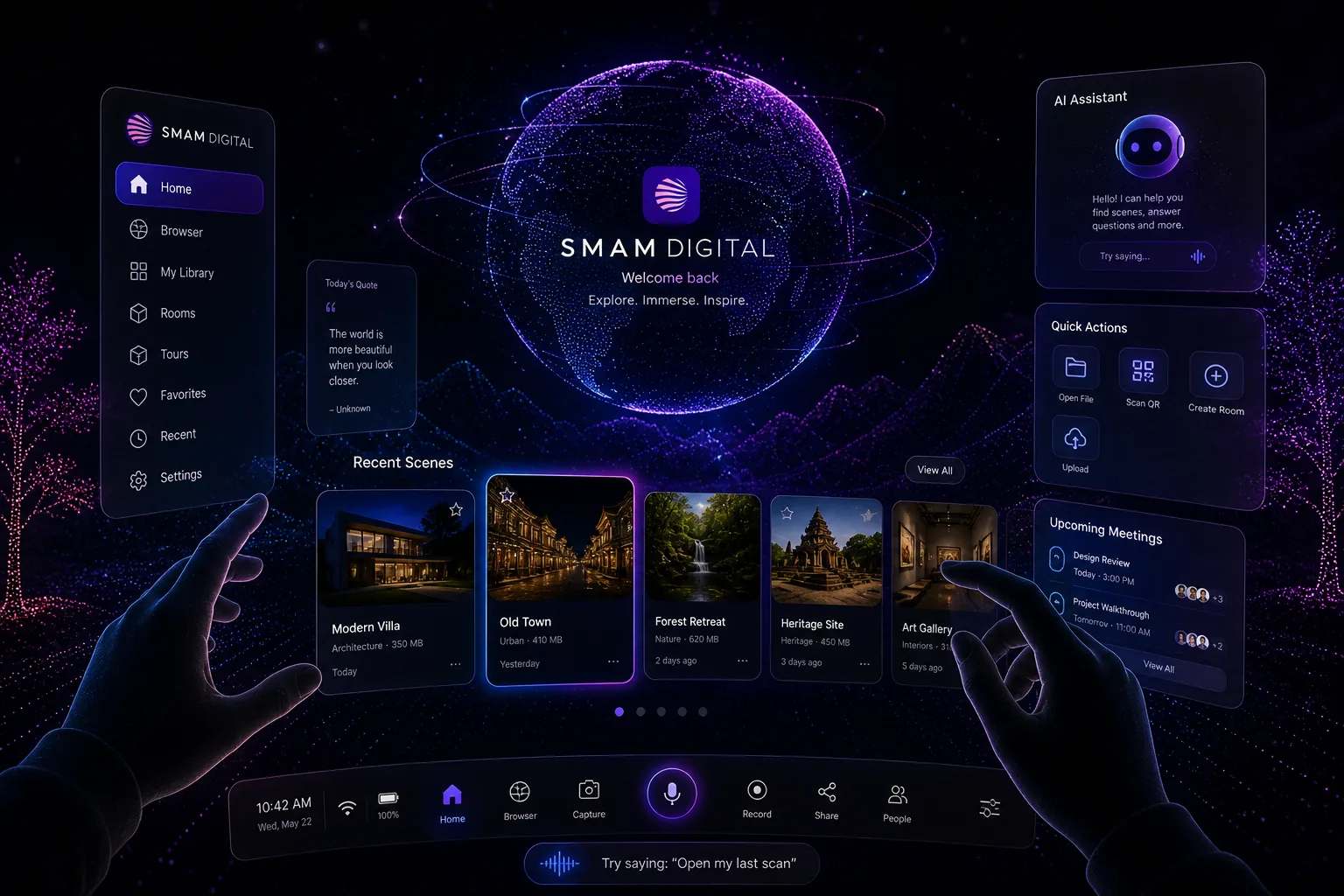
Choose the workflow by use case.
| Use | Prioritise | Avoid |
|---|---|---|
| Property / hospitality | Visual polish, guided route, enquiry CTA, mobile speed | Unedited edges and confusing free-flight controls |
| Construction | Date, location, issue markers, comparison, permissions | Implying survey accuracy without validated data |
| Agency campaign | Brand, storytelling, animation, analytics | A third-party interface dominating the experience |
| Training | Guided tasks, hotspots, progression, assessment | A passive tour with no learning objective |
Gaussian splats are visually powerful, but they are not automatically BIM, CAD, or a measured survey. State the accuracy and source clearly. Where precise geometry, collision, measurement, or simulation matters, combine the scene with validated meshes and structured data.
What this means for a buyer.
Start with the business decision, audience, and evidence the project must produce. Simam Digital can turn that into a focused discovery, prototype, MVP, or production roadmap across AI applications, SaaS platforms, digital twins, real-time 3D, XR, and interactive systems.